

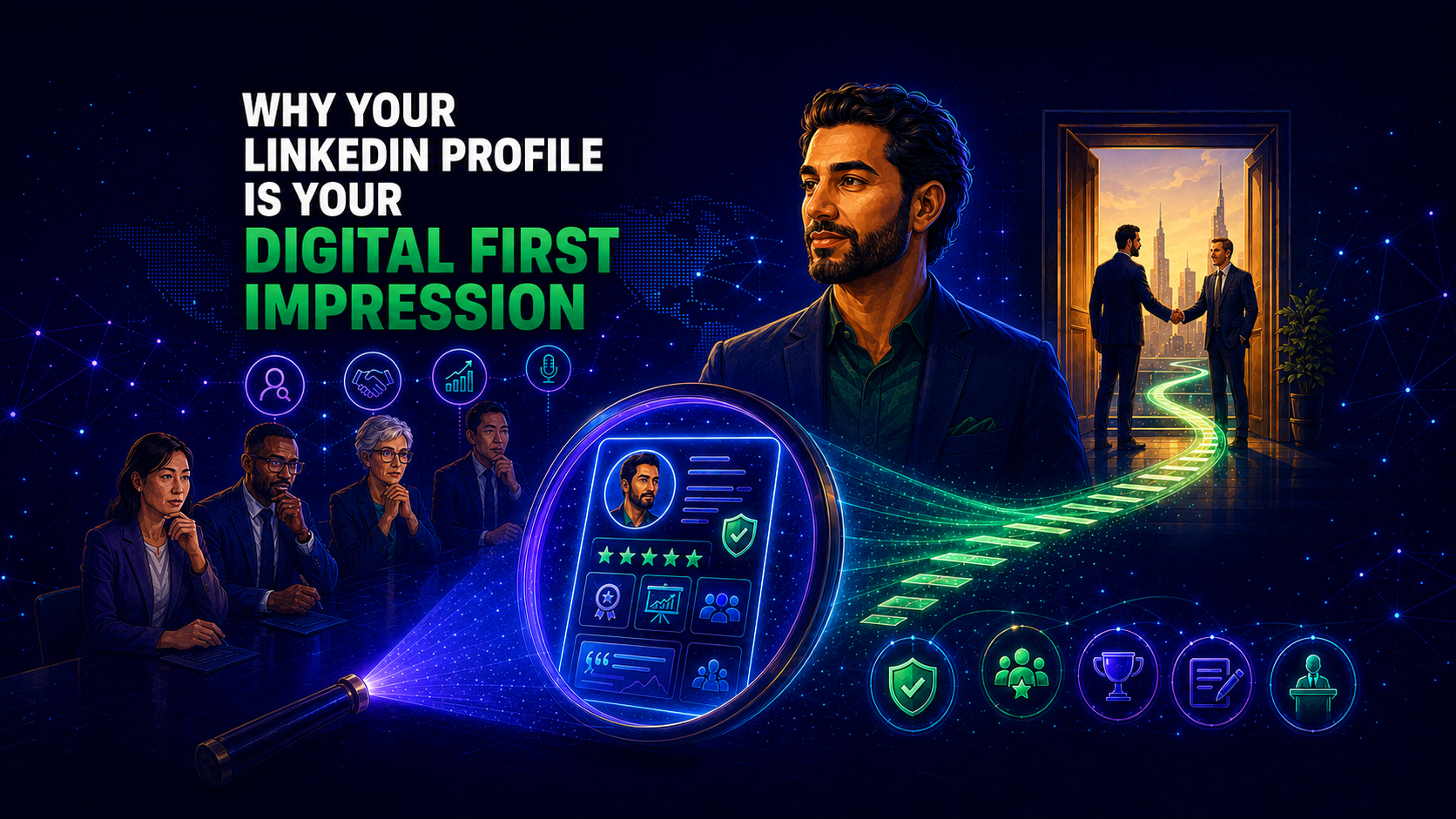
A professional first impression no longer begins with a handshake.
It often begins with a search.
Before a recruiter contacts you, a client schedules a call, an investor responds to your message, or a conference organizer invites you to speak, they may look at your LinkedIn profile.
What they see can shape what happens next.
Your profile may communicate confidence, credibility, expertise, and leadership.
It may also create uncertainty.
An outdated photo, unclear headline, incomplete About section, or weak description of your experience can make it difficult for others to understand the value you offer.
This is why your LinkedIn profile is more than an online résumé.
It is your digital first impression.
It introduces you before you enter the conversation.
It helps people decide whether they want to learn more.
It influences how your experience, expertise, and professional reputation are interpreted.
The goal is not to create a perfect image.
The goal is to make sure your profile accurately reflects the professional you have become.
What Is a Digital First Impression?
A digital first impression is the opinion someone forms about you based on the information they find online before meeting or speaking with you.
For professionals, LinkedIn often plays a central role in that process.
Visitors may evaluate:
- Your profile photo
- Your headline
- Your current position
- Your About section
- Your experience
- Your recommendations
- Your activity
- Your content
- Your professional network
These elements combine to create an impression.
That impression may be positive, unclear, or incomplete.
The important point is that it forms whether you actively manage it or not.
Why First Impressions Matter
First impressions help people make decisions quickly.
A recruiter may be reviewing several candidates.
A potential client may be comparing consultants.
A journalist may be searching for an expert.
A hiring manager may be deciding whom to interview.
In each case, they are trying to reduce uncertainty.
They want to understand:
- Is this person credible?
- Does this person have relevant experience?
- Can I trust their expertise?
- Do they communicate clearly?
- Does their professional background match what I need?
Your LinkedIn profile helps answer those questions before direct contact begins.
A strong profile does not guarantee an opportunity.
It does make your professional value easier to understand.
Your Profile Photo Sets the Tone
Your profile photo is often the first visual signal people notice.
It should be:
- Current
- Clear
- Professional
- Appropriate for your role
- Consistent with your industry
A strong photo does not need to look formal or expensive.
It needs to look credible.
Ask yourself:
- Does this photo reflect how I look today?
- Would someone recognize me in person?
- Does it support the professional image I want to communicate?
A dated or casual image can create a mismatch between your experience and your presentation.
Your Headline Creates Immediate Context
Your headline appears near your name and throughout LinkedIn.
It should do more than repeat your job title.
A job title explains your position.
A strong headline explains your professional value.
For example:
Weak headline
Director
Stronger headline
Director of Operations | Process Improvement | Team Leadership | Supporting Scalable Business Growth
The stronger version gives the reader context.
It communicates:
- Role
- Expertise
- Focus
- Value
A clear headline makes it easier for people to understand what you do and why your experience matters.
Your About Section Shapes the Story
Your About section gives meaning to your career.
It should help readers understand:
- What you specialize in
- What problems you solve
- What experience you bring
- What motivates your work
- What makes your perspective useful
Many professionals weaken this section by using broad statements.
For example:
I am a passionate and results-driven leader.
That sentence says very little because it does not provide evidence.
A stronger opening would be:
I help growing organizations improve communication, strengthen leadership, and manage change across teams and markets.
The second version is more specific.
Specificity supports credibility.
Your Experience Provides Evidence
Your experience section should show what you have contributed.
Listing responsibilities alone makes it difficult to understand your impact.
Compare these examples.
Responsibility-focused
Managed a sales team.
Impact-focused
Led a regional sales team, improved forecasting discipline, and supported expansion into two new markets.
The second example gives the reader more information.
It shows leadership, scope, and contribution.
Whenever possible, highlight:
- Projects completed
- Teams led
- Problems solved
- Revenue supported
- Costs reduced
- Processes improved
- Markets entered
- Customers served
- Organizational changes managed
You do not need to reveal confidential information.
You do need to make your professional value visible.
Recommendations Reinforce Trust
Your profile explains how you see your work.
Recommendations show how others experience it.
A strong recommendation may highlight:
- Expertise
- Leadership
- Reliability
- Collaboration
- Communication
- Results
- Judgment
This third-party evidence can strengthen trust because it does not come from you.
Specific recommendations are more persuasive than general praise.
For example:
Maya is great to work with.
is less useful than:
Maya led our product launch across three markets, coordinated multiple teams, and helped the organization maintain clear communication throughout the rollout.
The second recommendation supports credibility with evidence.
Your Featured Section Demonstrates Proof
The Featured section allows visitors to see your work directly.
Use it to showcase items such as:
- Articles
- Presentations
- Research
- White papers
- Videos
- Interviews
- Case studies
- Portfolio projects
- Speaking engagements
- Media coverage
This section can be especially useful for consultants, executives, academics, creators, job seekers, and business owners.
It moves your profile from description to demonstration.
Your Activity Shows How You Think
Your profile tells people what you have done.
Your activity helps show how you think.
Thoughtful posts and comments can demonstrate:
- Industry awareness
- Professional judgment
- Curiosity
- Expertise
- Communication style
- Willingness to contribute
You do not need to publish every day.
You do need to avoid appearing disconnected from your profession.
Even occasional activity can reinforce your expertise when it is relevant and useful.
Your Profile Communicates More Than You Realize
Visitors may interpret your LinkedIn profile in ways you do not expect.
For example:
A blank banner may suggest low attention to professional presentation.
An outdated experience section may suggest your career has not progressed.
A generic headline may make your expertise difficult to understand.
A complete and consistent profile may communicate care, professionalism, and clarity.
These interpretations are not always fair.
They still happen.
That is why reviewing your profile from an outside perspective matters.
First Impressions for Different Audiences
Different visitors look for different signals.
Recruiters
Recruiters may focus on:
- Career progression
- Relevant skills
- Current role
- Measurable achievements
- Professional positioning
Clients
Clients may focus on:
- Credibility
- Experience
- Results
- Recommendations
- Expertise
Investors
Investors may focus on:
- Leadership
- Strategic thinking
- Professional history
- Industry knowledge
- Reputation
Conference Organizers
Conference organizers may focus on:
- Thought leadership
- Speaking experience
- Publications
- Professional authority
- Communication
Potential Employees
Potential employees may focus on:
- Leadership style
- Company mission
- Executive visibility
- Values
- Professional communication
A strong LinkedIn profile should be clear enough to support multiple audiences without becoming unfocused.
The Risk of an Outdated Digital First Impression
An outdated profile can quietly create problems.
It may fail to show:
- Recent promotions
- New responsibilities
- Certifications
- Major projects
- Speaking engagements
- Publications
- Awards
- New areas of expertise
The professional viewing your profile cannot know what you have not communicated.
That creates a gap between your real-world reputation and your online representation.
The longer the gap remains, the less accurately your profile reflects you.
How to Improve Your Digital First Impression
You do not need to rebuild your entire profile at once.
Start with the sections that shape early perception.
Step 1: Update Your Photo
Use a current image that reflects your professional identity.
Step 2: Rewrite Your Headline
Make your expertise and value clear.
Step 3: Improve Your About Section
Explain what you do, who you help, and what experience supports your work.
Step 4: Strengthen Your Experience
Replace generic responsibilities with evidence of impact.
Step 5: Add Proof
Use Featured content, recommendations, certifications, and publications.
Step 6: Review Consistency
Make sure your headline, About section, experience, and content reinforce the same professional direction.
Step 7: Ask for Feedback
Invite a trusted colleague to review your profile as though they were seeing it for the first time.
Digital First Impressions by Career Stage
Young and Emerging Professionals
Focus on:
- Education
- Internships
- Projects
- Certifications
- Volunteer experience
- Career interests
Your profile should communicate readiness and potential.
Job Seekers and Career Changers
Focus on:
- Transferable skills
- Clear positioning
- Relevant accomplishments
- Career narrative
- Recommendations
- Target-role keywords
Your profile should make the transition understandable.
Established Professionals
Focus on:
- Leadership
- Business impact
- Industry expertise
- Career progression
- Professional visibility
Your profile should communicate depth and relevance.
Executives and Business Leaders
Focus on:
- Executive presence
- Strategic leadership
- Organizational impact
- Board service
- Thought leadership
- Speaking and media
- Industry contribution
Your profile should communicate confidence, trust, and authority.
Common Digital First-Impression Mistakes
Professionals often weaken their profiles by:
- Using an outdated photo
- Leaving the banner blank
- Relying on a generic headline
- Writing a vague About section
- Listing duties instead of outcomes
- Omitting recent achievements
- Having few recommendations
- Showing no Featured content
- Maintaining inconsistent branding
- Remaining professionally inactive
Each issue may seem small.
Together, they can create an unclear or incomplete impression.
Why Profile Completeness Is Not Enough
A complete profile is useful.
It does not automatically create a strong first impression.
A profile may contain every section and still fail to communicate:
- Trust
- Credibility
- Authority
- Professional focus
- Executive presence
- Career direction
- Thought leadership
The quality and consistency of the information matter more than completion alone.
A strong profile is not merely filled in.
It is strategically aligned.
Measure the Impression You Are Creating
Many professionals ask:
Does my profile look good?
A better question is:
Does my profile communicate the professional value I want others to recognize?
That question moves beyond appearance.
It focuses on trust, credibility, clarity, and influence.
The LinkedIn Professional Influence Assessment™ helps professionals evaluate how effectively their LinkedIn presence communicates:
- Credibility
- Trust
- Authority
- Visibility
- Engagement
- Networking
- Personal Brand
- Thought Leadership
- Career Capital
- Executive Presence
The assessment is designed to help identify strengths and opportunities for growth rather than judge professional worth.
Frequently Asked Questions
How quickly do people form an impression from a LinkedIn profile?
People may begin forming an impression within moments of viewing your photo, headline, and current position. The rest of the profile either strengthens or weakens that first impression.
What section should I improve first?
Start with your headline, photo, and About section because they strongly shape early understanding.
Does LinkedIn matter if I am not job searching?
Yes. LinkedIn can support networking, business development, executive branding, speaking, recruiting, partnerships, and professional visibility.
How often should I review my profile?
Review it every three to six months and after major promotions, projects, certifications, publications, or career changes.
What is a Professional Archetype™?
A Professional Archetype™ describes your dominant style of professional influence. It reflects how you tend to build trust, communicate expertise, and create professional value.
Final Thoughts
Your LinkedIn profile introduces you before you have the chance to introduce yourself.
It shapes how people interpret your experience.
It influences whether they trust your expertise.
It can create curiosity, confidence, or uncertainty.
The strongest digital first impressions are not built through exaggeration.
They are built through clarity.
A current photo.
A focused headline.
A compelling professional story.
Evidence of impact.
Recommendations from others.
Consistent professional activity.
Together, these elements help your LinkedIn profile represent the professional you are today.
Identify Your Professional Archetype™
Your LinkedIn profile creates a first impression.
Your Professional Archetype™ explains how you naturally build credibility, trust, and professional influence.
Take the LinkedIn Professional Influence Assessment™ to identify your Professional Archetype™, receive your Professional Influence Score™, and uncover personalized recommendations for strengthening your LinkedIn presence.